
AIショートドラマ広告の現在地
Trend Analysis 2026 AIショートドラマ広告の現在地 —— ...
Z. Xingjie
2026年05月11日

As PHP continues to evolve, staying updated with the latest stable versions is crucial for performance, security, and compatibility with modern frameworks like Laravel. If you’re running a Laravel application on an AWS Lightsail instance with Ubuntu and are looking to upgrade from PHP 8.0 FPM to PHP 8.2 FPM, this guide is for you.
PHP 8.2 brings numerous improvements, including new features, optimizations, and deprecations of older functionalities. Upgrading ensures that your application benefits from these advancements while maintaining security compliance.
Before you start the upgrade, SSH into your AWS Lightsail instance. Once connected, begin by updating your package lists and installing PHP 8.2 FPM along with the necessary PHP extensions.
sudo apt update
sudo apt install php8.2-fpm php8.2-mbstring php8.2-xml php8.2-curl php8.2-mysql php8.2-zip php8.2-gd php8.2-bcmath
These extensions are commonly required by Laravel applications, but you can customize the list based on your specific needs.
Your Laravel application runs on Nginx, which needs to be configured to use the new PHP 8.2 FPM socket.
sudo nano /etc/nginx/sites-available/defaultfastcgi_pass directive to point to PHP 8.2:Replace the existing line fastcgi_pass unix:/var/run/php/php8.0-fpm.sock; With the new line fastcgi_pass unix:/var/run/php/php8.2-fpm.sock;Ctrl + X, then Y, and finally Enter.With PHP 8.2 FPM installed, you should disable the older PHP 8.0 FPM service to avoid conflicts:
sudo systemctl disable php8.0-fpm
sudo systemctl stop php8.0-fpm
Now, enable and start the PHP 8.2 FPM service:
sudo systemctl enable php8.2-fpm
sudo systemctl start php8.2-fpm
To apply the changes, restart Nginx:
sudo systemctl restart nginx
To ensure that the upgrade was successful, create a phpinfo file in your web root directory:
sudo nano /var/www/html/info.php<?php phpinfo(); ?>http://ipordomain/info.php. You should see the PHP version displayed as 8.2, confirming the upgrade succeeded.Even after upgrading PHP for Nginx, you may find that the command-line interface (CLI) still uses the older version of PHP (e.g., PHP 8.0). This can cause issues when running artisan commands like php artisan schedule:list. Here’s how to ensure the CLI uses PHP 8.2:
php -v If it shows PHP 8.0 instead of PHP 8.2, you’ll need to update the default PHP version for the CLI.update-alternatives: Use the update-alternatives tool to set PHP 8.2 as the default version for the CLI:
sudo update-alternatives --set php /usr/bin/php8.2 sudo update-alternatives --set phpize /usr/bin/phpize8.2 sudo update-alternatives --set php-config /usr/bin/php-config8.2sudo ln -sf /usr/bin/php8.2 /usr/bin/phpphp -v It should now display PHP 8.2 as the active version.After upgrading PHP, it’s a good idea to clear Laravel’s cached data to ensure everything runs smoothly with the new PHP version:
php artisan optimize:clearUpgrading from PHP 8.0 to PHP 8.2 FPM on your AWS Lightsail instance is a straightforward process that ensures your Laravel application remains secure, performant, and compatible with the latest features. By following the steps outlined in this guide, you’ll be up and running with PHP 8.2 in no time.

Trend Analysis 2026 AIショートドラマ広告の現在地 —— ...
Z. Xingjie
2026年05月11日
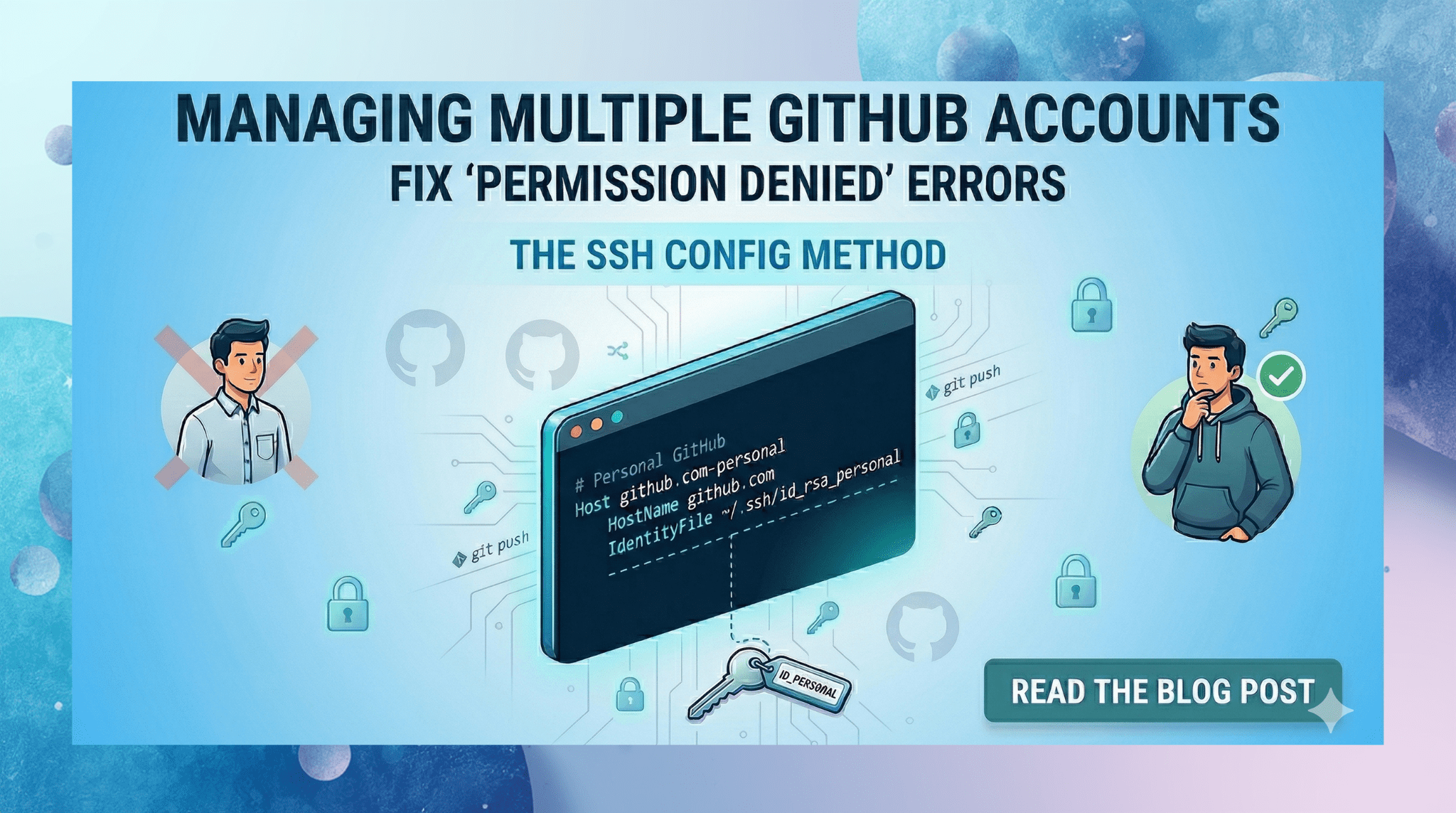
Have you ever tried to push code to your personal GitHub repository, only to be met with a frustrating error like this? ERROR: Permission to person...
Iftekhar Eather
2026年04月08日

AI FOMOを乗り越える —— 新技術の追求から課題解決への転換 ...
Z. Xingjie
2026年04月02日